Purchasing
Expert Controller Plus has a free evaluation period of 30 days during which time all features / capabilities are available. After the evaluation period has expired, features to activate amplifier Connections/Groups become locked.
Expert Controller Plus is available to download from the Apple App Store.
After expiry of the evaluation period, Expert Controller Plus may be unlocked with a one-time In-App purchase. It may also be unlocked at any time during the trial using the 'Purchase license...' menu option. This is located in the 'Help' menu.
How to Purchase
The feature to unlock Expert Controller Plus by purchasing a license is available in the following areas and each is detailed in the remaining sections of this annex.
-
Help -> Purchase License...
-
Help -> Restore License...
-
Activation -> Groups/Connections.
Expert Controller Plus uses Apple services to facilitate the In-App purchase. It is unaware of the credentials provided or bank details associated with the purchase.
Help -> Purchase license...
Using this feature the unlocked license may be purchased from the Apple App store at any time either during the evaluation period or after its expiry.
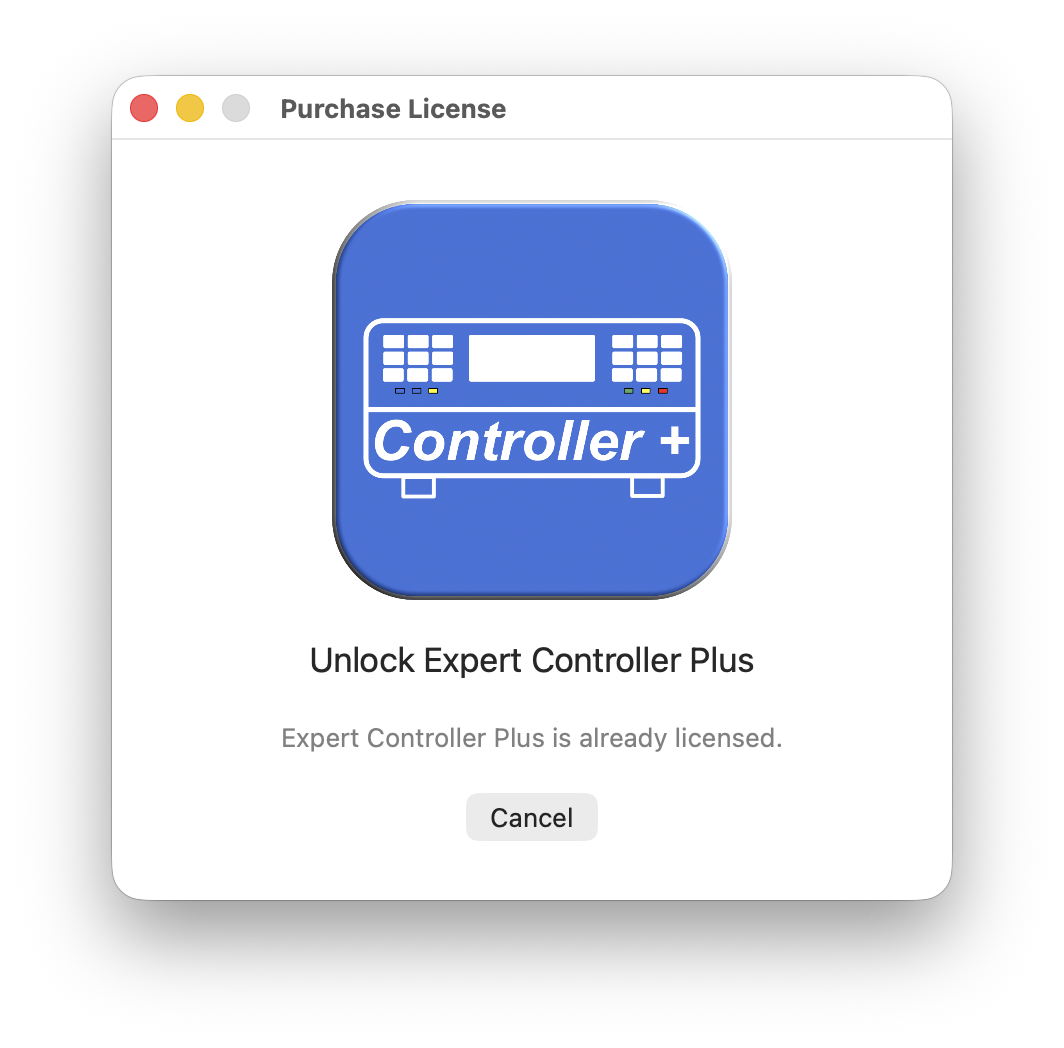
If a license has already been purchased and is known to Expert Controller Plus this feature will present the window below:
Help -> Restore license...
If a license has previously been purchased but is unknown to Expert Controller Plus, perhaps because it has been installed on a different Mac, this option may be used to restore the license.
When selected, Expert Controller Plus will prompt for the Apple account ID and associated password that previously purchased the license. It checks that account for a valid license and, if found, associates it with Expert Controller Plus.
Activation -> Groups/Connections
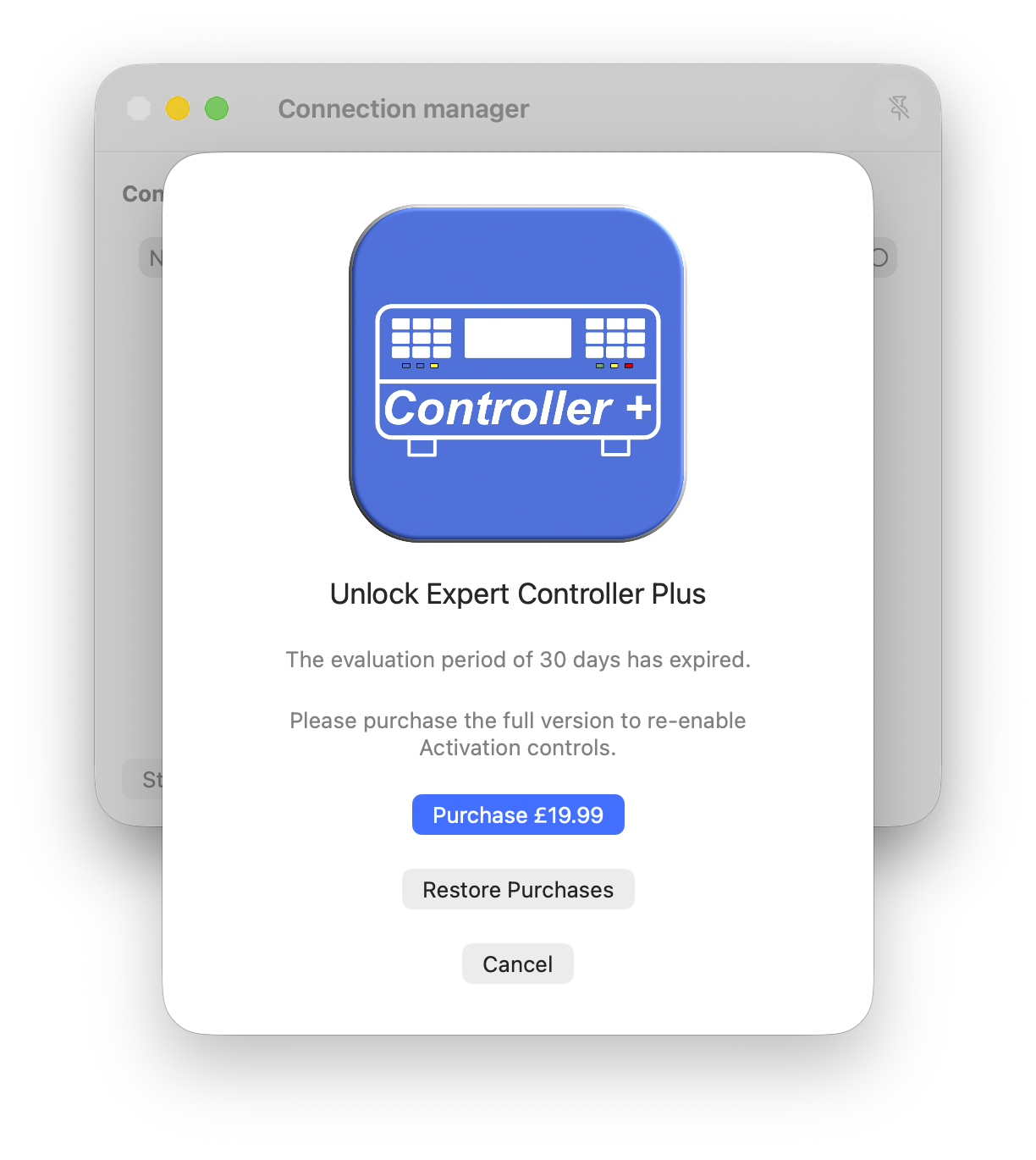
When a Group or Connection manager window is opened and the evaluation period has expired a window requesting payment (see below) or advising that the unlocked version may be downloaded from the Apple App store (see top) will be presented.