First run
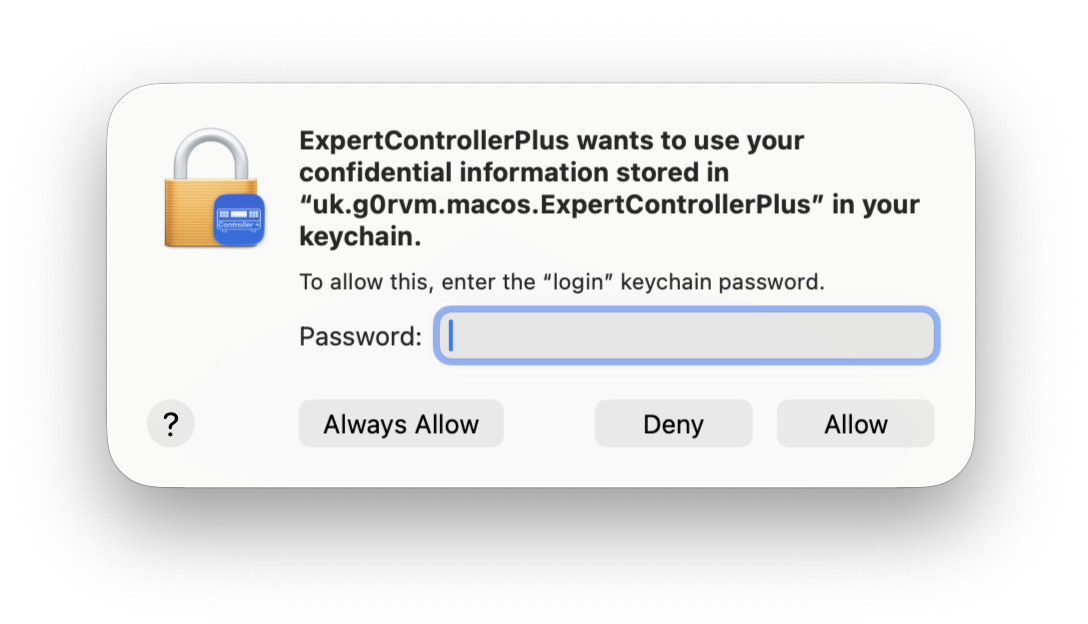
Expert Controller Plus requires access to keychain to store information that it needs to persist between running the App. When Expert Controller Plus attempts to access keychain for the first time macOS will open the window shown below, requesting your permission for this to occur. Please enter your macOS password and select Always Allow.
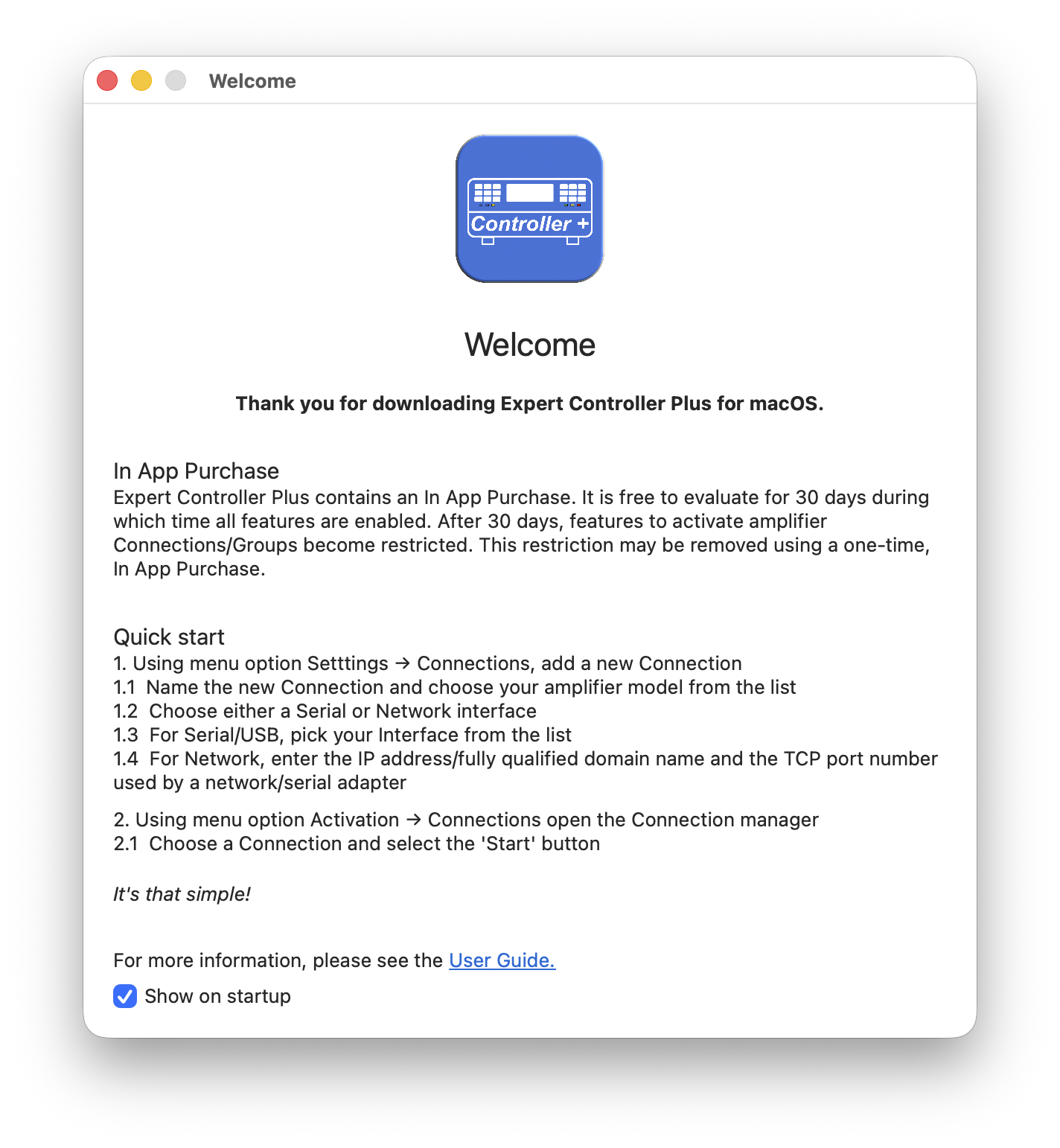
Once Expert Controller Plus has access to keychain it next presents a Welcome window that summarises the steps necessary to create and activate an amplifier connection. These are the initial steps to follow to quickly connect Expert Controller Plus to an amplifier and are also covered in the Quick Start guide.
The Welcome window also contains a ‘Show on startup’ tick-box; when deselected the window is no longer presented at startup. An example of this window is presented below:
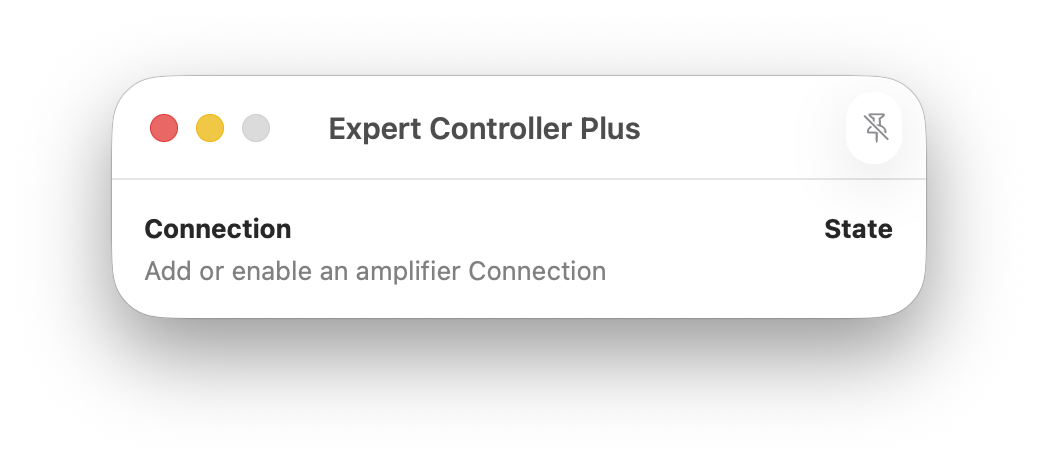
When Expert Controller Plus starts it always opens a Connection overview window. This presents an overview of all enabled Connections and their amplifier connection status. Although intended to always be open whilst Expert Controller Plus is in use, it may be minimised, closed and later reopened if required without impacting any running connections.
The Connection overview window presented below is that shown at startup when no amplifier connections have been defined.