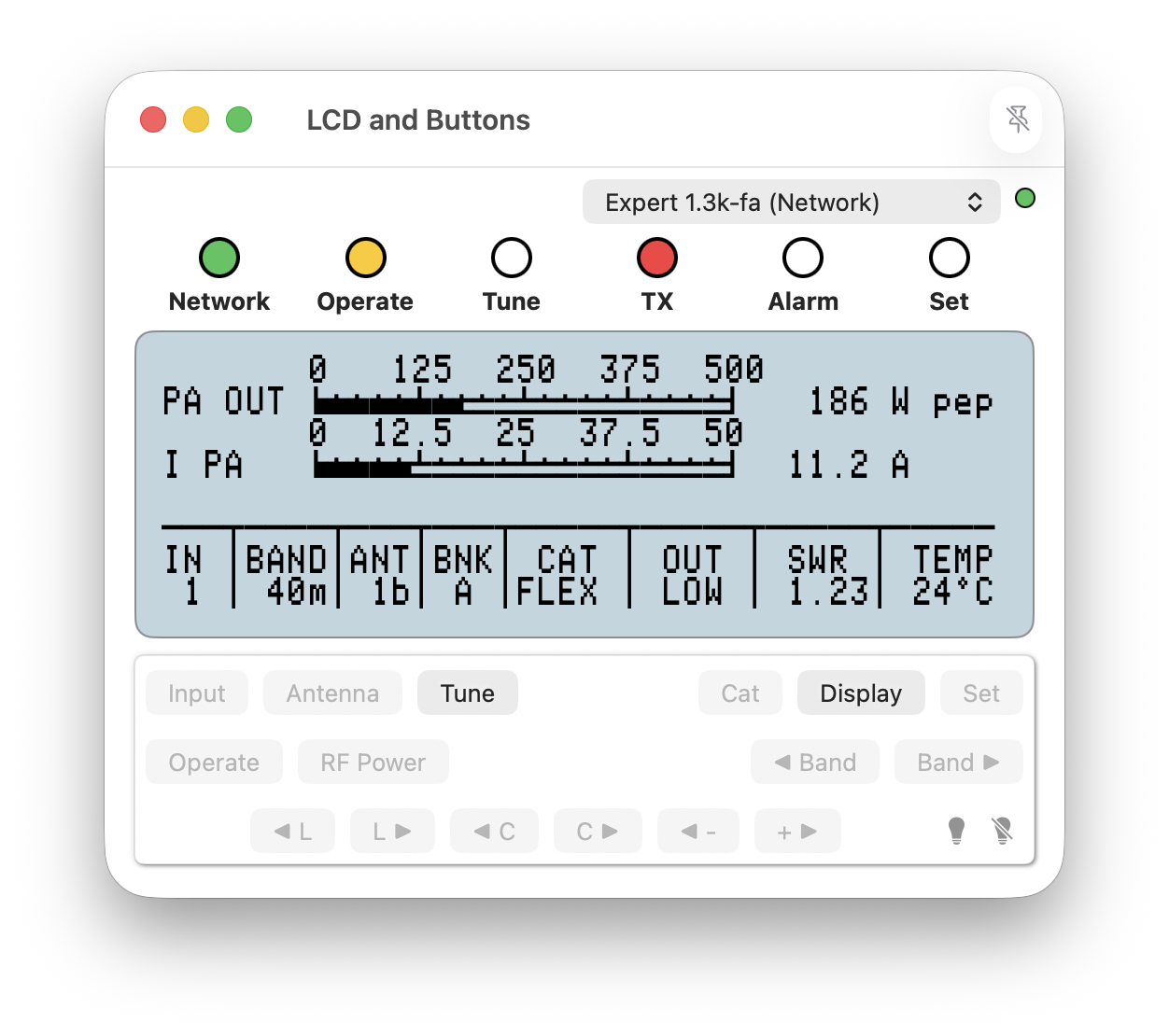
LCD & Buttons window
This window combines the informational elements from other Amplifier view windows and provides the full range of operations necessary to maintain an Expert amplifier.
It is the default amplifier view window and it may be resized as needed. It may also be pinned to the macOS desktop as a 'floating' window using the pin icon in the right-side of its title-bar when using macOS 15 or later.
A Connection may be selected from the drop-down list and a coloured ball identifies the connection state of that Connection.
The buttons operate as would those on a physical amplifier panel and are not therefore described here.
In the lower-right corner of the window are two bulb icons. When selected the icon without a line illuminates the LCD backlight on the physical amplifier. When the icon with a line is selected the LCD backlight on the physical amplifier is switched off. These icons are not available for the Expert 1K-FA amplifier.
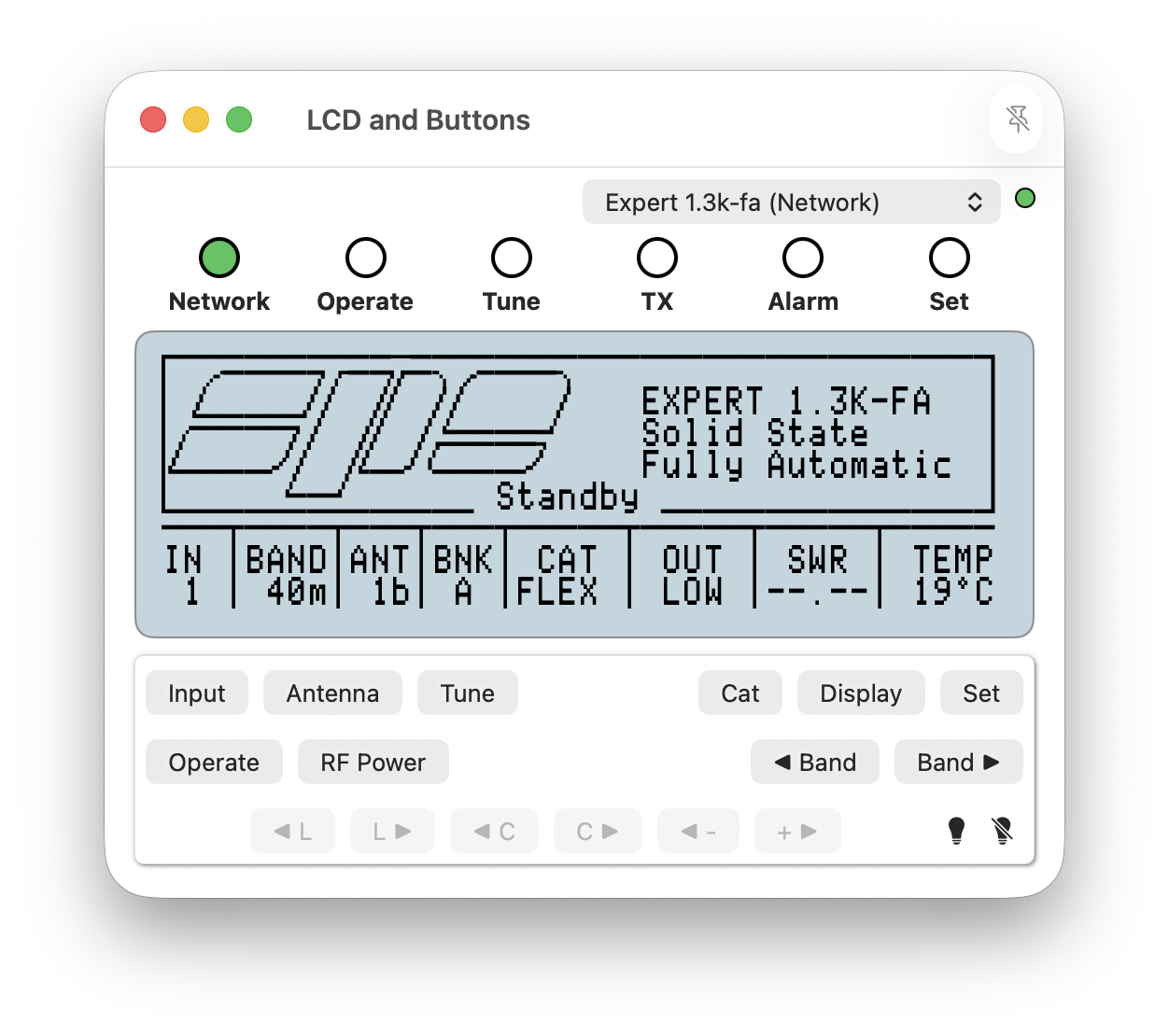
Buttons not appropriate due to the operational mode/state of an amplifier are disabled as illustrated in the image below.