Activation
Groups
Using this window, previously defined Groups may be started, stopped, woken and slept. The following sections will describe each of these tasks.
Groups may define multiple amplifiers to be used with a RF power combiner such as the Expert CO1-2. Where that is the case, an 'RF Combiner' window will be presented / closed when using the Start and Stop actions. For further information see Group settings
When this window is opened and the evaluation period has expired a further window requesting payment or advising that the unlocked version may be downloaded from the Apple App store will be presented. For further information see Annex: Purchasing.
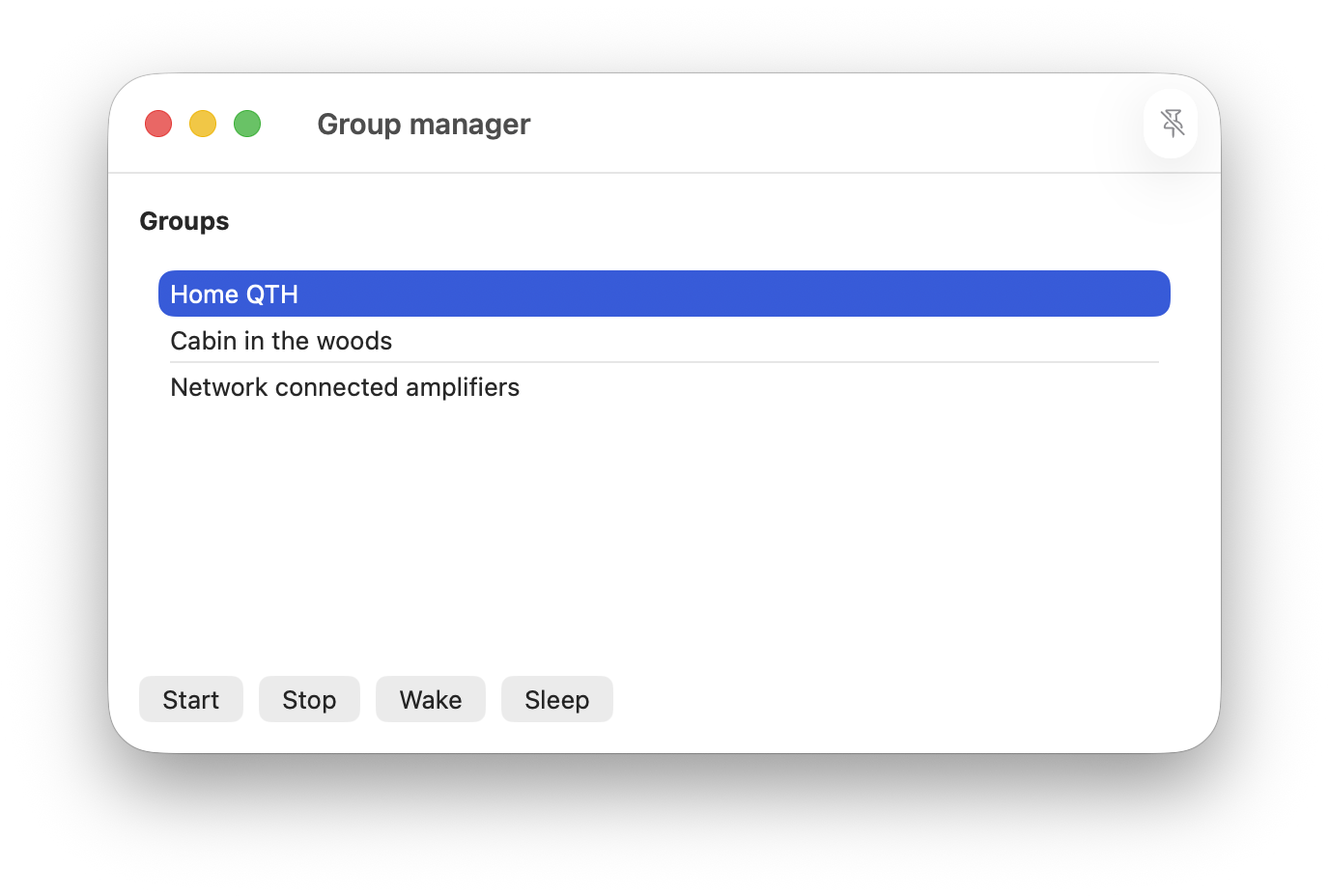
It is important to be aware that Groups are collections of Connections and it is Connections that have a connection state. Therefore a Group does not have a connection state. Hence the Group manager window does not show a state for a Group.
It is also important to be aware that Connections even when started as a Group may be stopped, slept or woken individually using the Connection manager. Expert Controller Plus does not track the state of Connections in a Group only for individual Connections.
The Start, Stop, Wake and Sleep buttons are always enabled as Connections comprising a Group may be started, stopped, woken or slept individually as Connections outside of the Group manager.
Start
The Group selected in the Group manager window is started. This will perform the same operations as starting each Connection individually using the Connection manager.
If a Connection in the Group has already been started or has been started then slept then no action is taken for that Connection.
Stop
The Group selected in the Group manager window is stopped. This will perform the same operations as stopping each Connection individually using the Connection manager.
If a Connection in the Group has already been stopped then no action is taken for that Connection.
Wake
The Group selected in the Group manager window is woken from sleep. This will perform the same operations as waking each Connection individually using the Connection manager.
If a Connection is not asleep no action is taken for that Connection.
Sleep
The Group selected in the Group manager window is put to sleep. This will perform the same operations as sleeping each Connection individually using the Connection manager.
Only Connections that have been started and are awake will be slept. Connections not available for sleep will be ignored.