Amplifier views
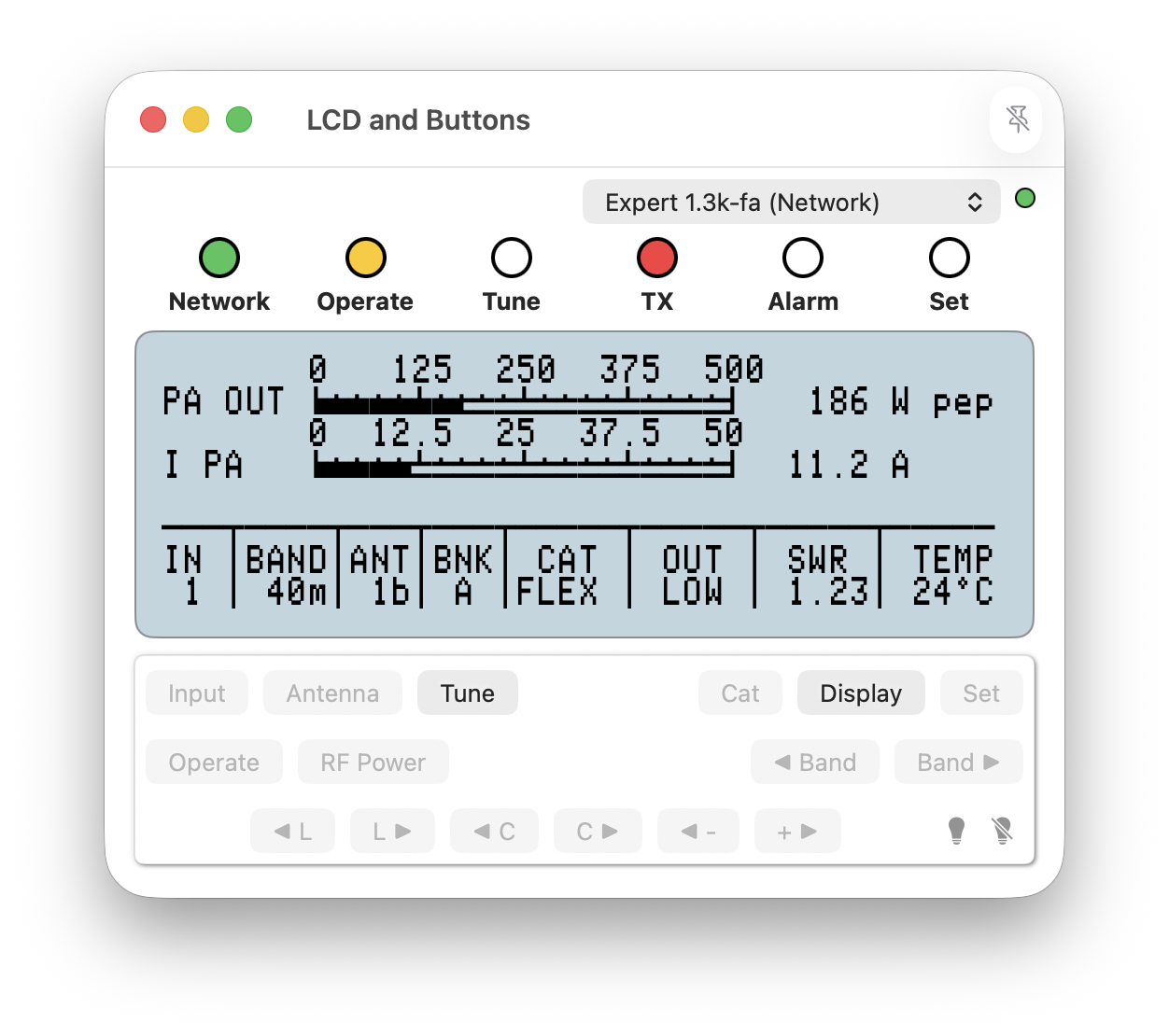
Amplifier view windows are the method by which Expert Controller Plus presents views of an amplifier. There are five types and there is no constraint on the quantity that can be opened per Connection.
At the top of each amplifier view is a drop-down list that associates the view with a Connection.
Amplifier views can be configured to open by default using Connection configuration properties. They can also be opened at any time using the File macOS menu-bar option.
An example of an amplifier view window is presented below.